Capture cash purchases
Record spending that you cannot recover from a card statement, such as a market purchase or cash tip.
Budgeteer is a voice expense tracker that turns spoken purchases into budget transactions. Say the amount and what you bought, review the interpreted details and category, then save the expense alongside the rest of your spending.
Available for iPhone, iPad, and Android. Check current subscription options in the app.
Cash parking, a tip, or a quick snack still affects your budget, even when it never appears in a card feed. If logging means typing every detail later, those small expenses are often the first ones you forget.
Budgeteer’s voice entry lets you describe the purchase while it is fresh. The app interprets your spoken transaction and helps categorize it. You can review and correct the result before saving, keeping fast capture connected to a useful monthly plan.
Build a practical voice expense logging habit →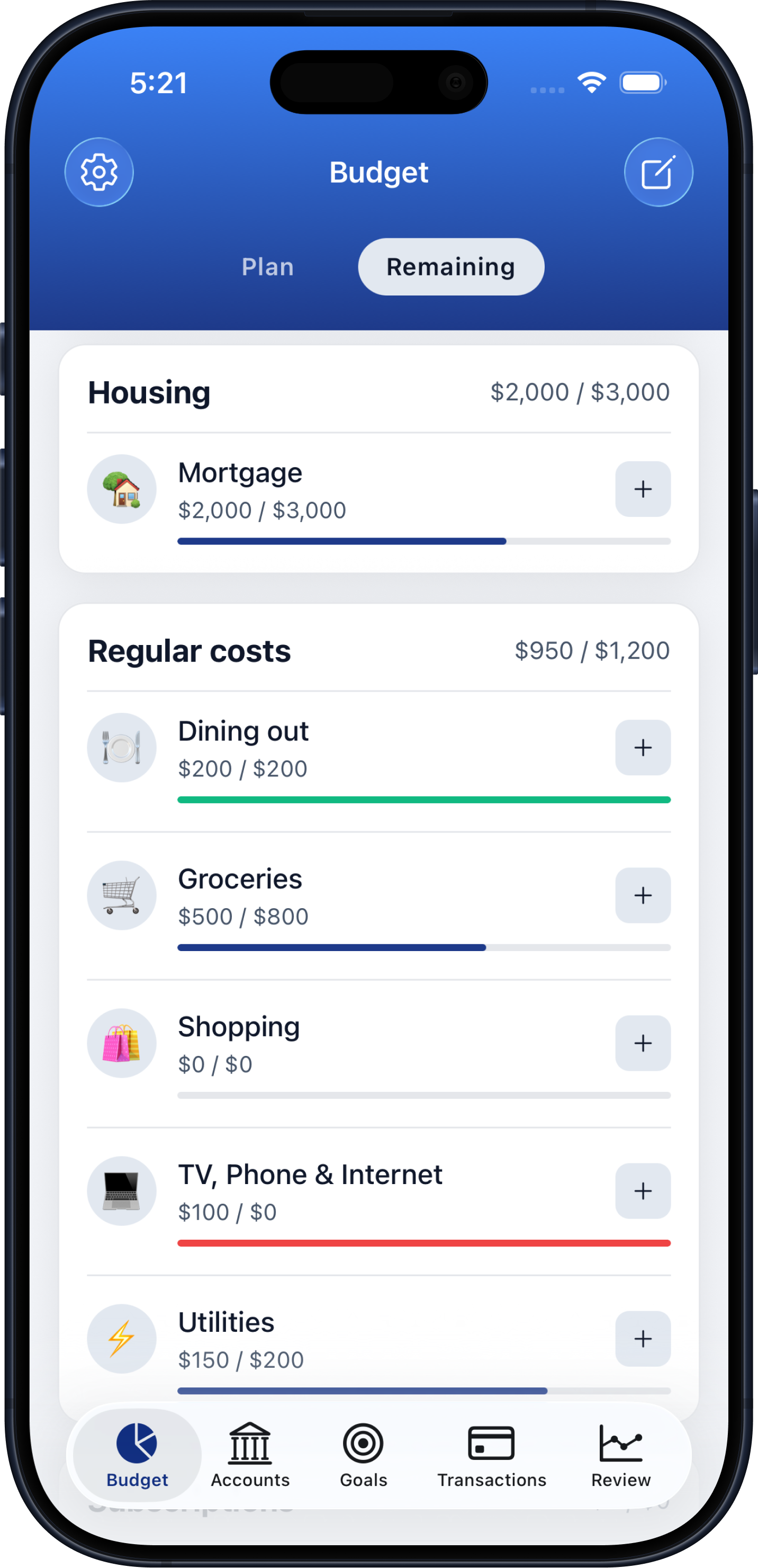
Choose voice transaction entry in Budgeteer and allow microphone and speech recognition access when prompted.
Say the amount and purpose, such as “Eight dollars for parking.” Include useful context rather than a long explanation.
Check the interpreted amount, description, category, and payment account. Correct anything that needs attention and save it to your spending record.
Record spending that you cannot recover from a card statement, such as a market purchase or cash tip.
Use a brief spoken description for simple purchases, then review the result on screen.
Keep voice transactions with your other expenses so category totals and monthly reviews include everyday spending.
For a simple expense, an amount and purpose give you a useful starting point: “Twelve dollars at the farmers market” or “Twenty-five dollars for a birthday gift.” These are illustrative phrases, not promises that every word will be interpreted perfectly.
Background noise, merchant names, and spoken decimals can cause mistakes. Review the amount and category before relying on the entry. When a purchase needs more detail, use manual entry or receipt scanning instead. Voice capture supports your budget; the category plan and spending review turn it into a decision.
Open voice entry, speak the amount and purchase, review the interpreted transaction, and save it. Allow microphone and speech recognition access when requested.
Yes. Describe the cash purchase and review its payment account and category before saving.
Budgeteer interprets spoken purchases and helps match them to spending categories. Check the suggested category and correct it when necessary.
No. Use voice for simple purchases and switch to receipt scanning or manual entry when those methods suit the purchase better.
Budgeteer is available for iPhone and iPad through the App Store and for Android through Google Play. Voice entry requires microphone and speech recognition permissions.
Download Budgeteer and bring your next cash purchase or everyday expense into your monthly plan.
