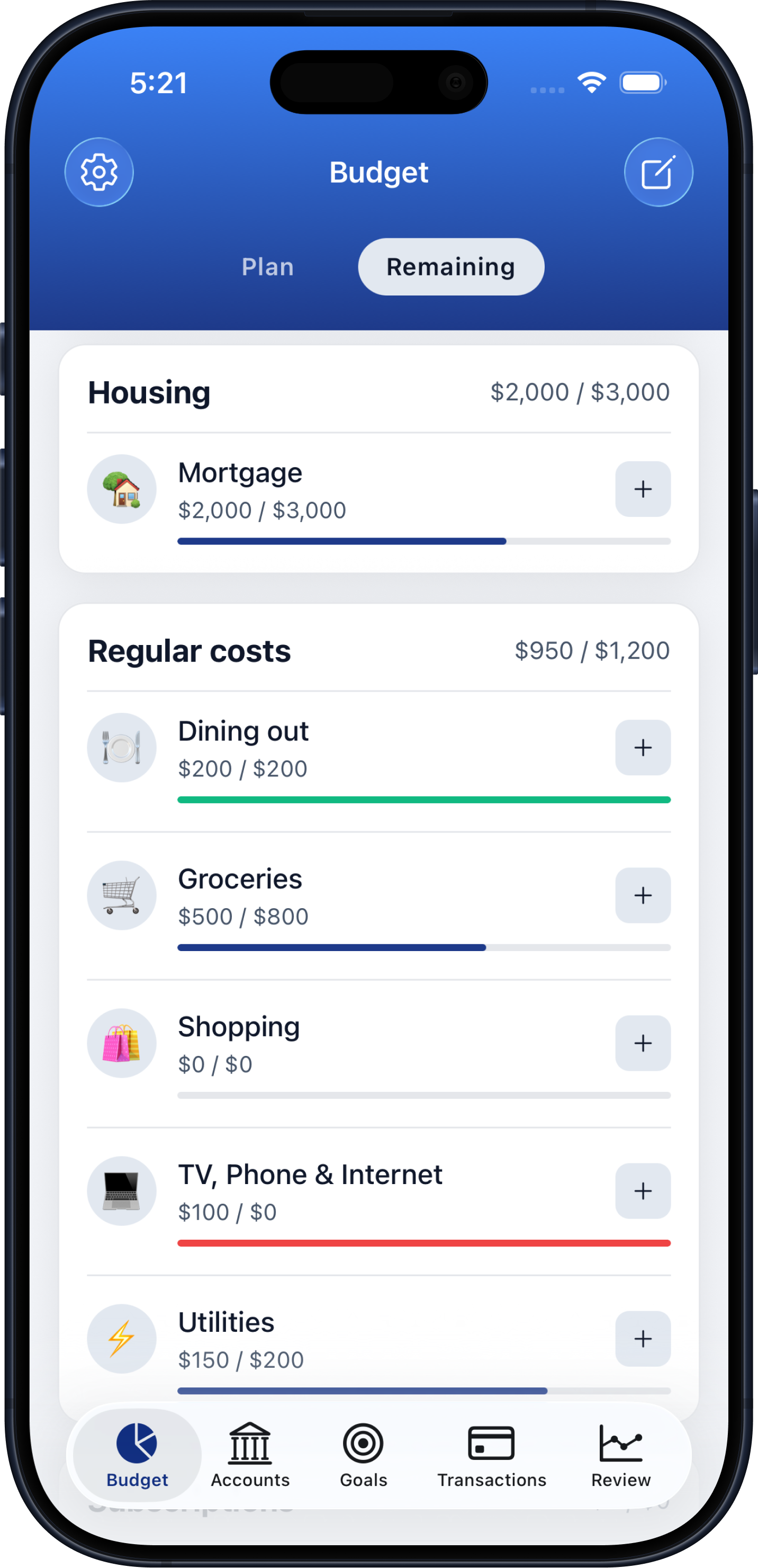
Budget tracking
Track income, spending, and savings in a centralized dashboard with clear progress indicators.
Stay on top of spending, accounts, and savings goals with Budgeteer on iPhone, iPad, and Android — without turning budgeting into a second job.
Available for iPhone, iPad, and Android
Simple enough to use every day, complete enough to keep accounts, transactions, goals, and reviews connected.
Track income, spending, and savings in a centralized dashboard with clear progress indicators.
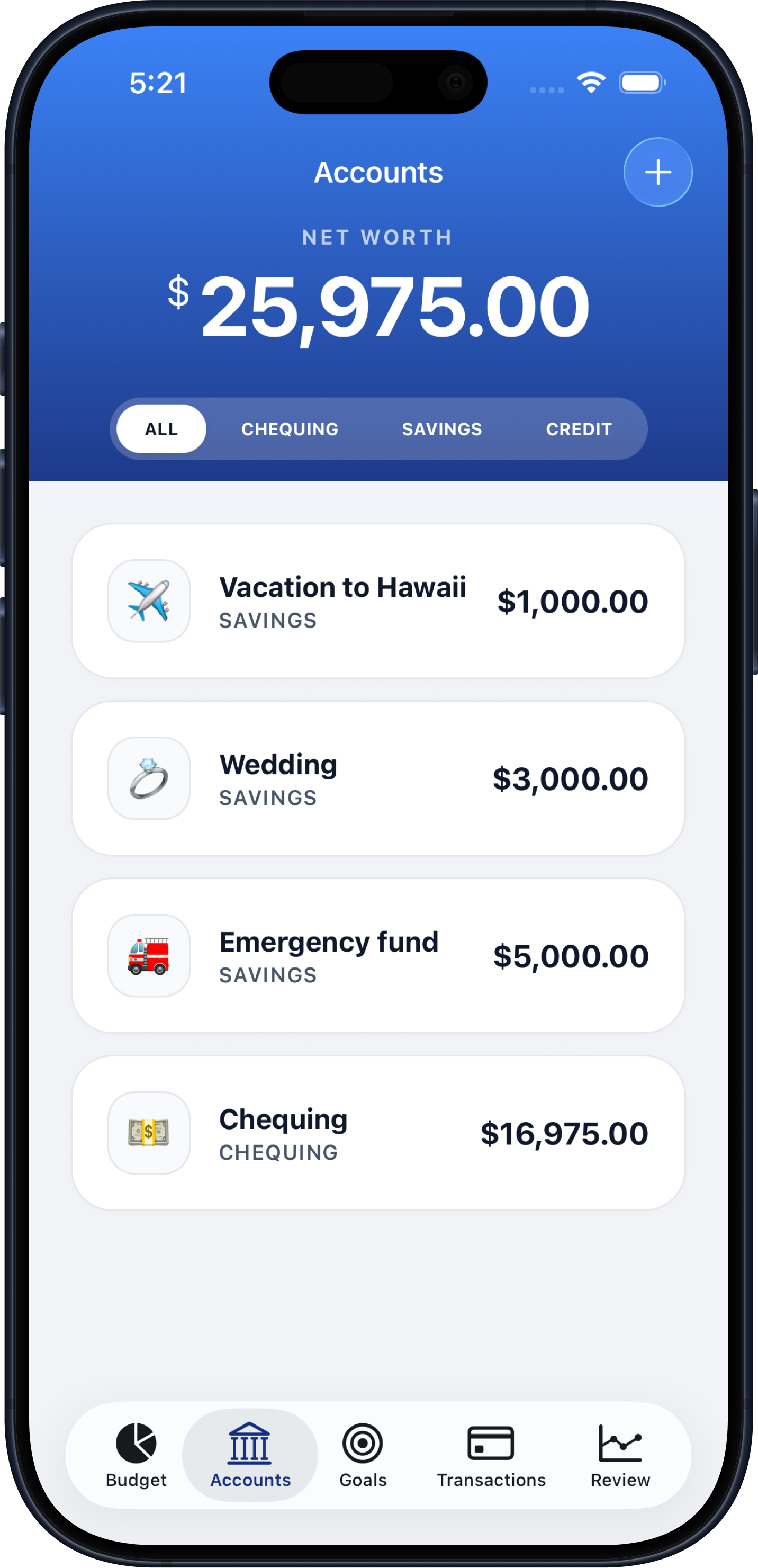
Monitor checking, credit card, and debit accounts so your financial picture stays in one place.
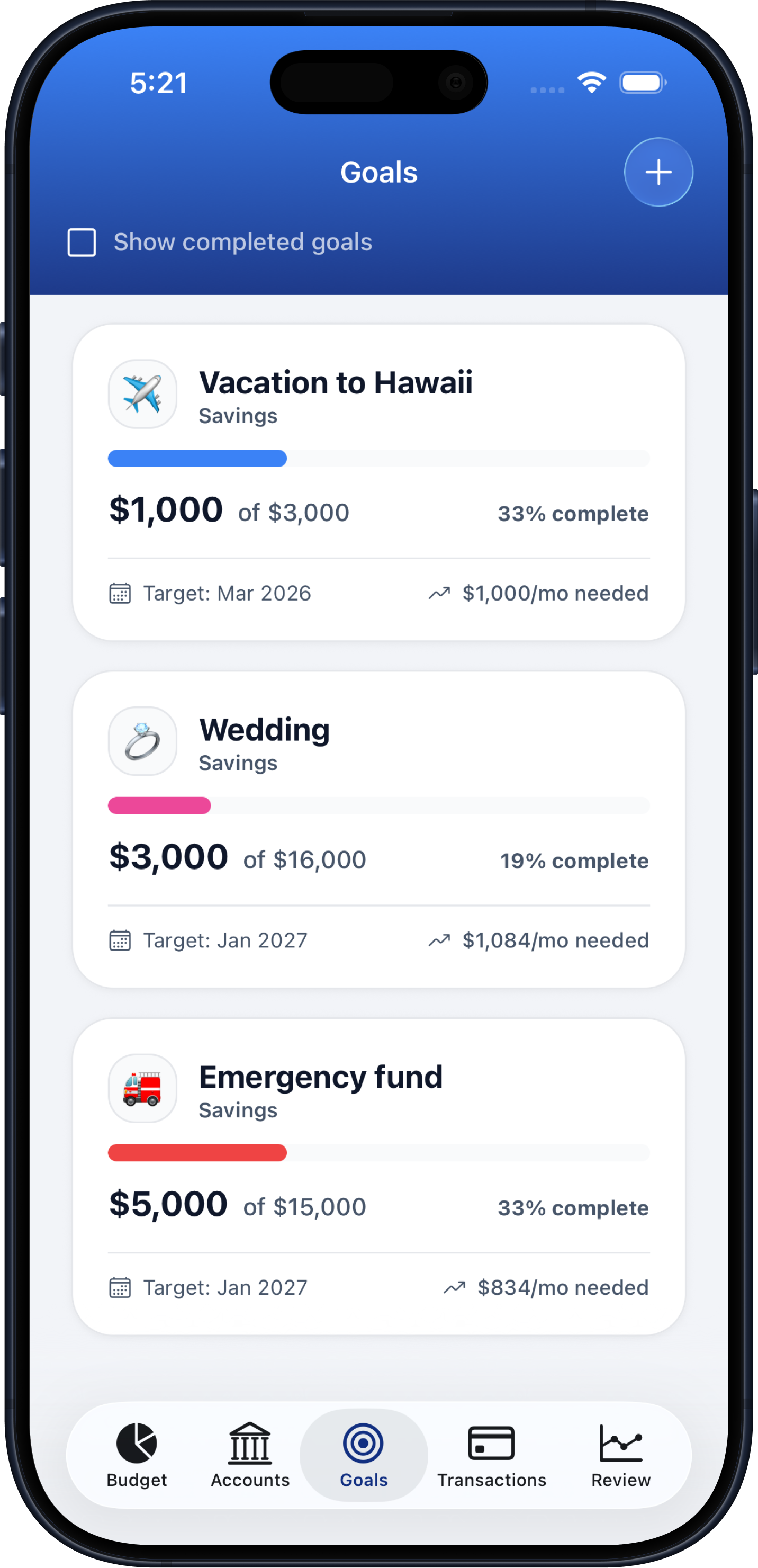
Choose from savings and debt payoff templates, link accounts, and follow monthly contributions.
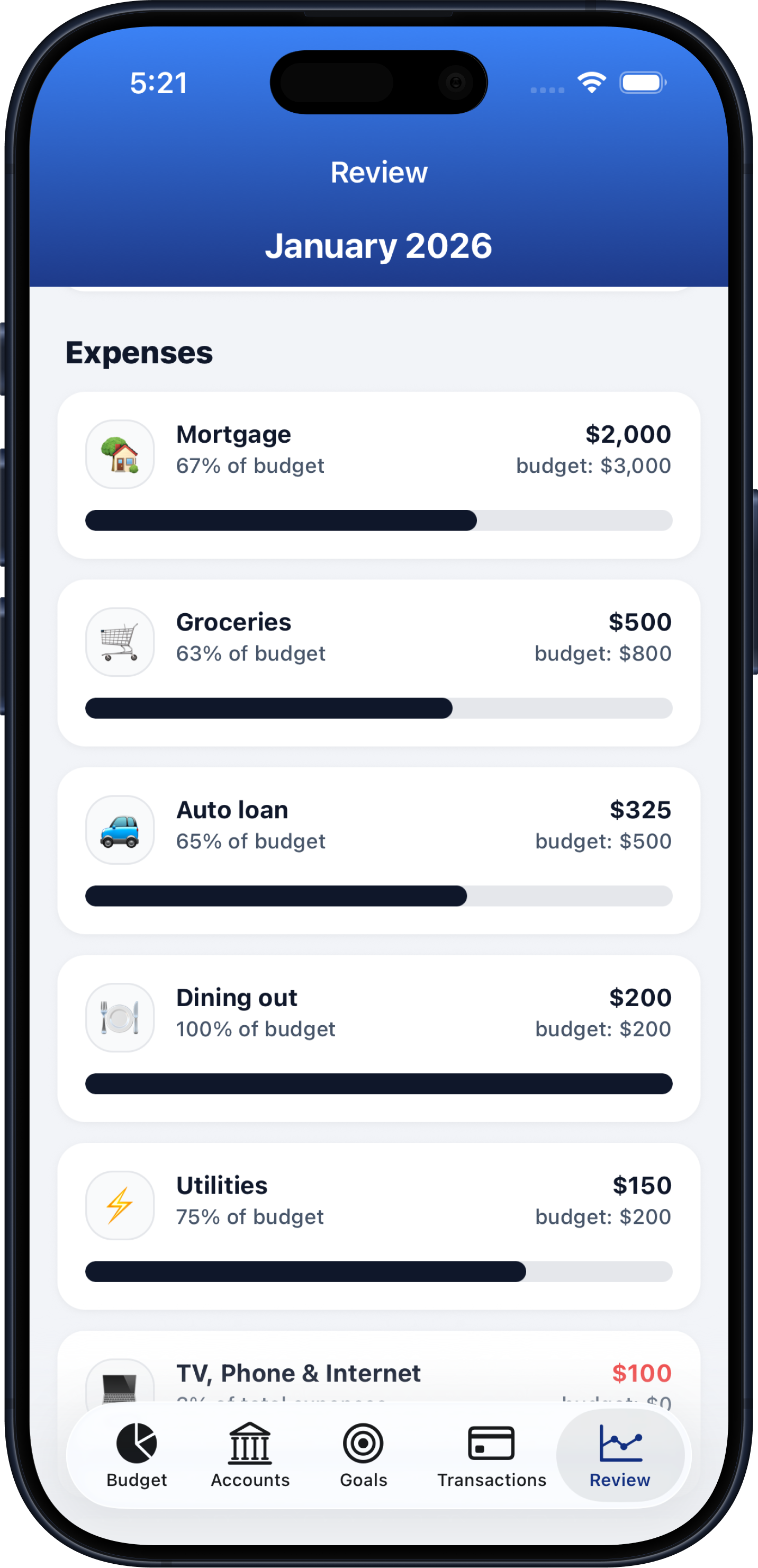
Review trends over time so you can spot habits, adjust spending, and plan with better context.
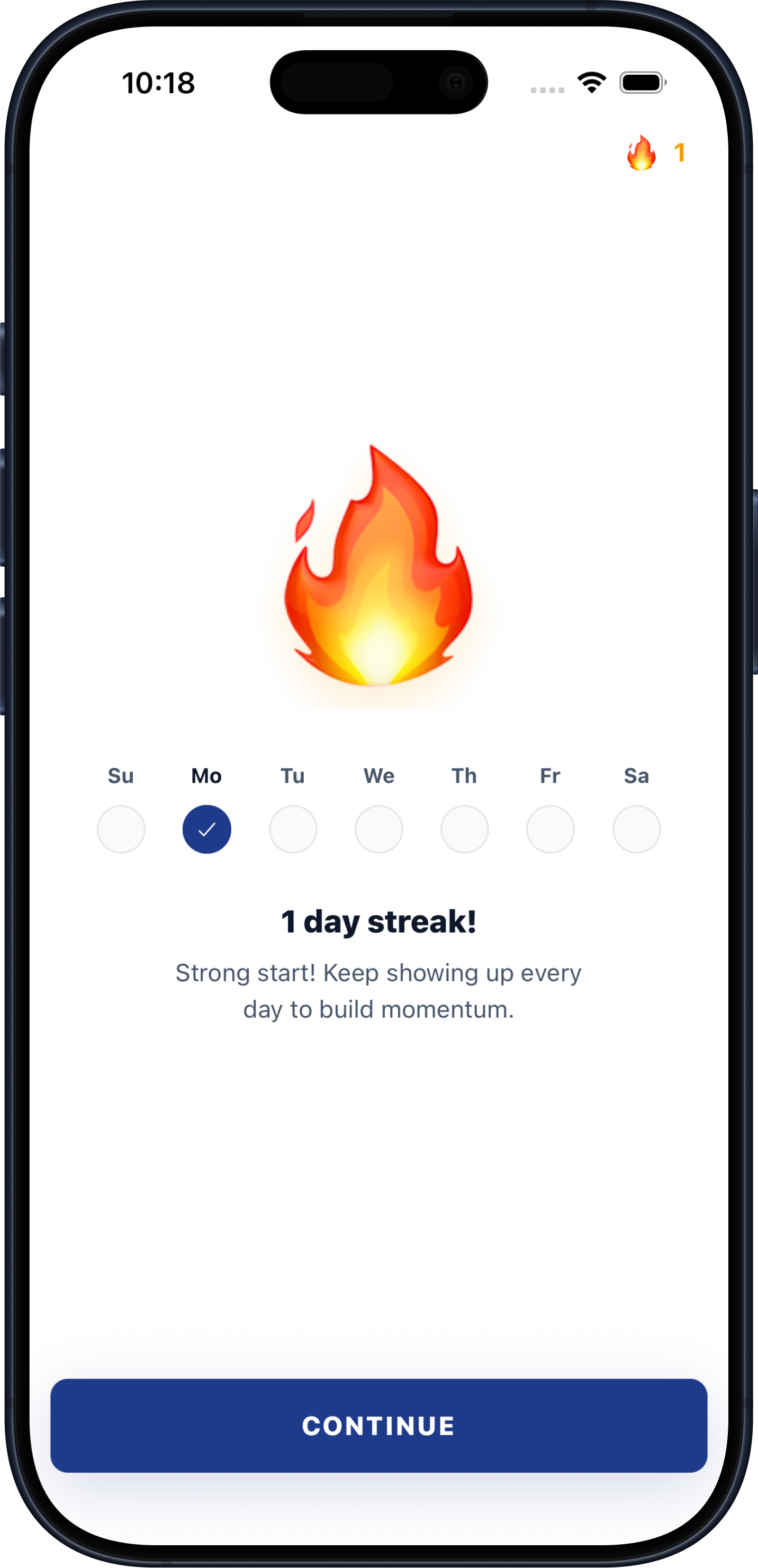
Build a consistent money habit with streaks that reward you for checking in and staying engaged.
Capture expenses with Apple Pay, your voice, or a receipt so your budget stays current with less manual entry.
Clear answers for everyday expense tracking and monthly planning.
Keep tap-to-pay purchases connected to the category and monthly plan they affect.
Read article →Reconcile accounts, understand category differences, and improve next month’s plan.
Read article →Organize bills, everyday spending, goals, debt, and irregular expenses.
Read article →Quick answers about tracking your budget, expenses, accounts, and goals with Budgeteer.
Budgeteer brings monthly budgets, expenses, account balances, savings and debt goals, and financial reviews together in one app.
You can capture expenses using Apple Pay, voice entry, or a receipt, then review the transaction and category inside your budget.
Budgeteer is available for iPhone and iPad through the App Store, and for Android through Google Play.
Yes. Budgeteer includes savings and debt payoff goal templates, linked accounts, and monthly contribution tracking.
Download Budgeteer from your app store and build a monthly budget around the goals that matter to you.